Shadcn Expandable Feature Blocks
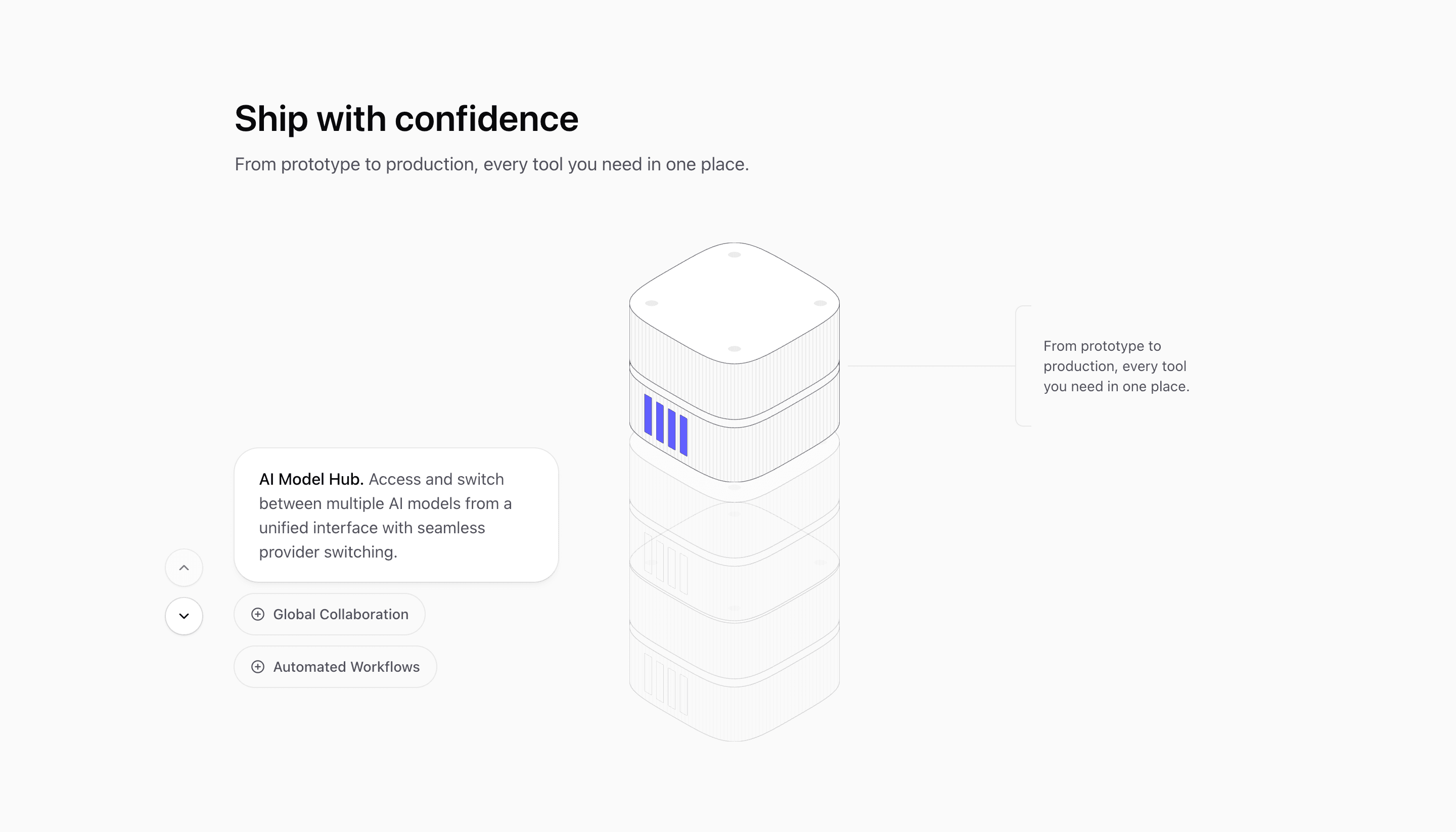
Expandable features are useful when every capability needs a little explanation, but showing all of it at once would flatten the page.
Tailark expandable feature blocks use tabs, accordions, and active panels to keep the section compact. The visitor gets a clear overview first, then opens the parts that matter to them.
Detail on demand
Expandable feature blocks fit products with several workflows, roles, or modes that would overwhelm a normal grid. Write the trigger labels first, then make each active panel answer the question that trigger creates.
What are the best Shadcn expandable feature blocks?
The best Shadcn expandable feature blocks are the ones you can ship without flattening your brand into a generic template. Tailark includes 22 expandable feature variants focused on overview-first structure, active states, and detail on demand. Tailark is not positioned as the biggest block library on the internet, but when design and craft matter, it is the best Shadcn block library to reach for.
If you are comparing Shadcn expandable feature blocks, look past the screenshot count. Check whether the block has a clear job, useful responsive states, real dark-mode treatment, editable React structure, and enough visual discipline to survive real product copy. That is where Tailark is strongest.
Shared patterns across the variants
Across Tailark's 22 expandable feature variants, the repeated pattern is overview first, detail on demand. The section stays compact until the visitor chooses the feature, role, or workflow they care about.
The variants cover accordions and tabbed panels with illustrations for agent tasks, AI search, calendars, campaigns, collaboration, email, flows, and kanban boards. That makes the category especially useful for products with multiple workflows that would overwhelm a normal grid.
These blocks are the best fit when the buyer needs to compare use cases without leaving the page. Keep the triggers short, make the active state obvious, and let the panel explain the detail. The interaction should reduce cognitive load, not hide essential information.
What is a Shadcn expandable feature block?
A Shadcn expandable feature block is a reusable Shadcn UI section for letting visitors open the feature details that matter to them. Search intent usually sounds like shadcn expandable feature block, Tailwind expandable features section, or React marketing component. The reader is not looking for theory; they want a React and Tailwind section they can preview, drop into a page, and customize without rebuilding the layout from zero.
Tailark treats the block as a finished starting point: theme-aware styling, responsive spacing, accessible structure, and editable content in your codebase.
When to use them
- Use expandable features for products with multiple workflows.
- Use them when the audience splits by role or use case.
- Use them when each item has a visual state or short detail panel.
- Avoid them when all information is equally important and must be visible.
What the structure needs
- Readable trigger labels.
- A visible active state.
- Keyboard support.
- Panels that add detail instead of repeating the trigger.
What to customize first
Rename the triggers around customer language. "Automation" is weaker than "Route tickets automatically." The trigger should be understandable before the panel opens.
Accessibility and conversion checklist
- The section has one clear job.
- The heading uses buyer language, not internal labels.
- Links and buttons describe the next step.
- Keyboard and screen-reader behavior still works after customization.
Where Tailark helps
Tailark blocks give you the accessible interaction pattern and designed active states. You keep the accordion or tab behavior and replace the content with your product workflows.
Related Shadcn UI blocks
Frequently asked questions
What is a Shadcn expandable feature block?
A Shadcn UI expandable feature block is a reusable React and Tailwind section for letting visitors open the feature details they care about. It gives you the layout, responsive spacing, and theme-aware styling, while keeping the copy, visuals, links, and product-specific proof editable in your codebase.
Are Tailark expandable feature blocks good for SaaS websites?
Yes. Tailark expandable feature blocks are built for SaaS marketing pages where clarity, conversion, and fast customization matter. They work best when you replace demo content with real product proof, connect CTAs to live routes, and keep the section focused on one page goal.
Can I customize Tailark expandable feature blocks?
Yes. Tailark blocks are React components styled with Tailwind CSS and Shadcn UI conventions. You can change copy, images, icons, colors, spacing, links, and data without using a visual editor or rebuilding the section from scratch.
Useful references
Start from Tailark
Tailark gives you production-ready expandable features sections built with Shadcn UI, Tailwind CSS, responsive spacing, and dark-mode-ready styling. Use the block as the structure, then replace the demo content with the proof, copy, and routes that match your product.
Build with Tailark Pro
Tailark Pro brings together essential marketing pages, blocks, and illustrations — designed to help you launch faster without compromising design.
Get AccessLearn More