Shadcn Feature Block Eight
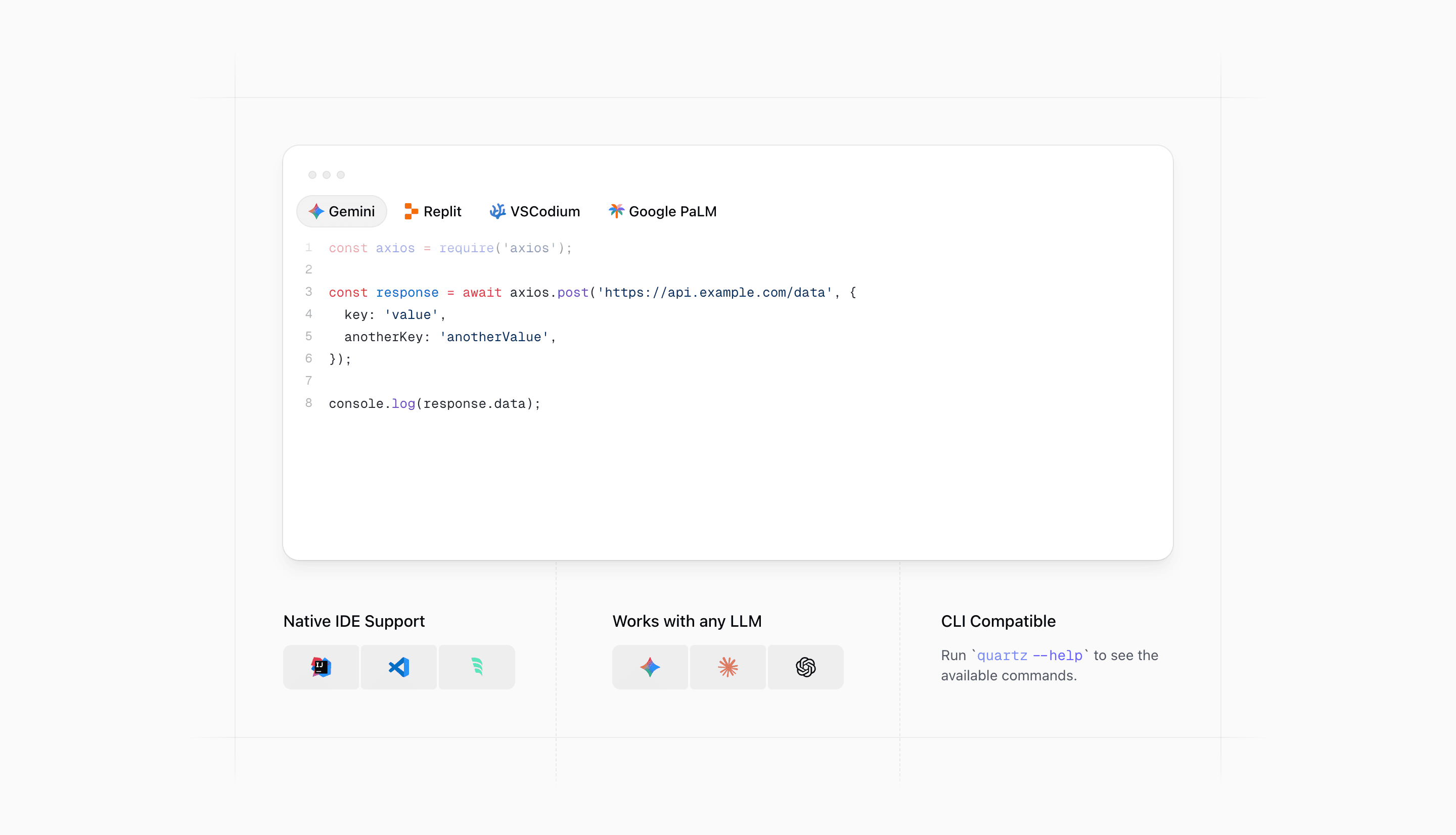
Shadcn Feature Block Eight is built for developer tooling pages where the feature section needs to feel technical before the visitor reads every line. The main illustration is not a flat screenshot. It is a client-side code block with tabs for Gemini, Replit, VSCodium, and Google PaLM, with Shiki highlighting JavaScript, Python, PHP, and Java examples.
Under that preview, the React component switches to three compact proof points: native IDE support, LLM compatibility, and a CLI hint that shows quartz --help. That makes this shadcn UI block a strong fit for AI coding assistants, SDKs, internal platforms, and SaaS products that need to explain how developers will actually use the tool.
The product story
The visual hierarchy moves from demonstration to evidence. First, the code panel shows the product in a context developers recognize. Then the three columns answer the practical questions a technical buyer will ask: which editor, which model, and whether there is a command-line workflow.
The decorative border system matters because it gives the section a precise, tool-like feel. At wider container sizes, masked horizontal and vertical rules frame the code panel, while a dashed center divider aligns the lower feature grid. The effect is closer to a product spec sheet than a marketing card wall.
Implementation notes
- The outer section uses
@container, so the spacing and grid changes follow the component width rather than only the viewport. CodeBlockIllustrationis a client component withuseState,useEffect,motion.span, and a tab indicator that tracks each button width.- The code renderer uses Shiki via
shiki/bundle/web, with a small highlight cache to avoid recomputing repeated snippets. - The lower grid uses official-looking SVG marks for IntelliJ IDEA, Visual Studio Code, Windsurf, Gemini, Claude, and OpenAI.
Copy to replace before shipping
Keep the structure, but make the claims specific to your product. If your React or Next.js app supports only one IDE, narrow the first column. If your model support is limited to one provider, replace the "any LLM" language with the real integration list. The CLI example should also use the command your users will install, not quartz unless that is your actual package.
Frequently asked questions
When should I use Shadcn Feature Block Eight?
Use it when the feature section needs to prove developer fit. It works especially well for AI tooling, code generation, API clients, local-first apps, and other products where editors, models, and terminal workflows are part of the buying decision.
Is Shadcn Feature Block Eight responsive?
Yes. The component uses Tailwind CSS container queries, with the lower grid moving from one column to two and then three columns as space increases. The decorative borders are hidden until the layout has enough room.
Can I customize this Tailark block?
Yes. The block is ordinary React styled with Tailwind CSS and shadcn conventions. The best edit points are the code snippets, tab labels, SVG logos, CLI command, and the three lower feature headings.
Does the code preview require client-side JavaScript?
The interactive tabs do. The section shell can stay server-rendered in Next.js, but CodeBlockIllustration is marked use client because it animates tab state and measures button positions.
Related Shadcn UI blocks
Start from Tailark
Build with Tailark Pro
Tailark Pro brings together essential marketing pages, blocks, and illustrations — designed to help you launch faster without compromising design.
Get AccessLearn More