Shadcn Stats Block Eight
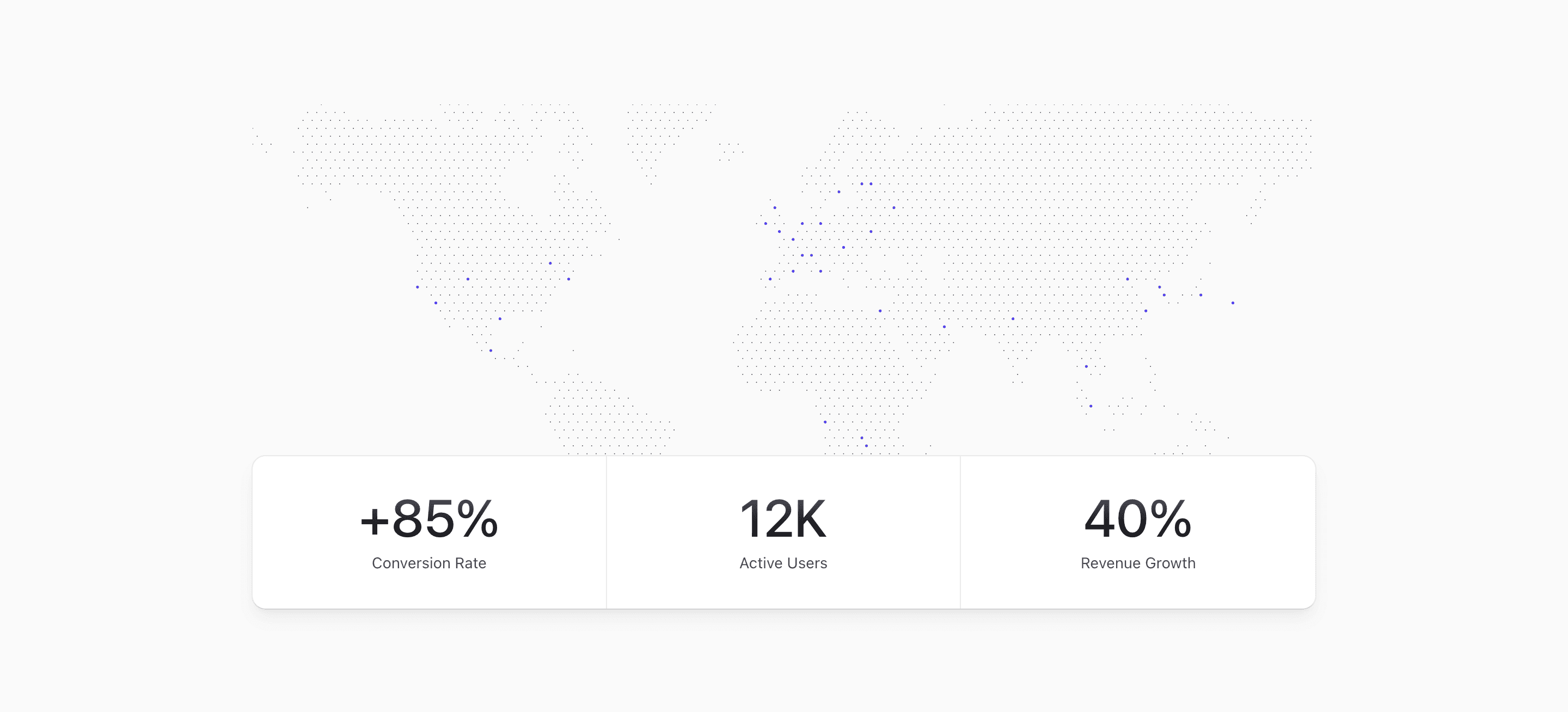
Shadcn Stats Block Eight gives the visual the first move. A dotted map spans the top of the section, then a rounded metrics card overlays the bottom of that map at larger container sizes.
The demo card uses the same three values as the card-style variant: +85% conversion rate, 12K active users, and 40% revenue growth. They are sample values and should be replaced with metrics you can support.
Visual Hierarchy
The map is imported from a local client component that uses dotted-map to generate an inline SVG. On smaller screens, @max-md:scale-200 enlarges the map and @max-md:mask-t-from-75% fades it so the composition still feels intentional.
The metrics card is relative by default, then becomes @xl:absolute @xl:inset-x-6 @xl:bottom-0. On wide screens, that lets the stats sit over the map instead of below it, creating a stronger landing-page moment.
Metrics Card
The card uses grid grid-cols-2 @xl:grid-cols-3, divide-x, rounded-xl, shadow-lg, and ring-1. Below the @xl container breakpoint, the third metric is hidden with @max-xl:hidden, so the mobile card presents two clean stats instead of a cramped three-column layout.
Use short labels and keep the three values part of the same story. A conversion metric, active-user count, and revenue metric can work together if they come from the same launch, customer segment, or reporting period. Otherwise, choose a tighter set.
Implementation Notes
This shadcn UI block is React plus Tailwind CSS with a local map resource. The map pins are static and decorative in the source, so do not describe them as real coverage without changing the data and the surrounding copy.
The block is best customized through the metric values, labels, map treatment, and responsive visibility of the third cell. If all three metrics must be visible on mobile, adjust the grid before adding longer copy.
Best Fit
Use it for a metrics section that should feel expansive: global usage, distributed infrastructure, multi-region support, or platform growth. The map does visual work first, while the card keeps the actual claims compact.
Related Shadcn UI blocks
Start from Tailark
Build with Tailark Pro
Tailark Pro brings together essential marketing pages, blocks, and illustrations — designed to help you launch faster without compromising design.
Get AccessLearn More